 Multi
MultiRoomPlayer.com on your NAS
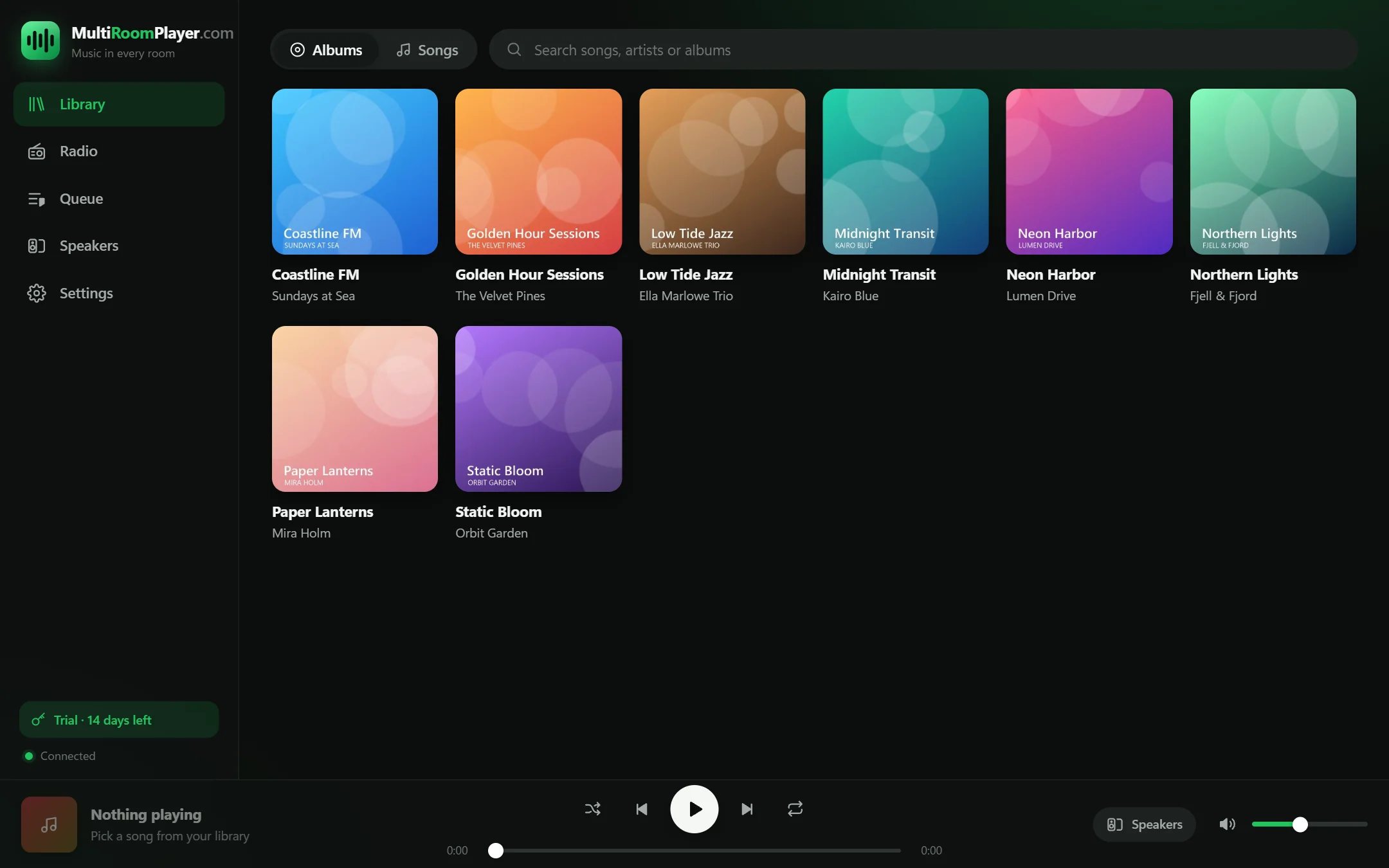
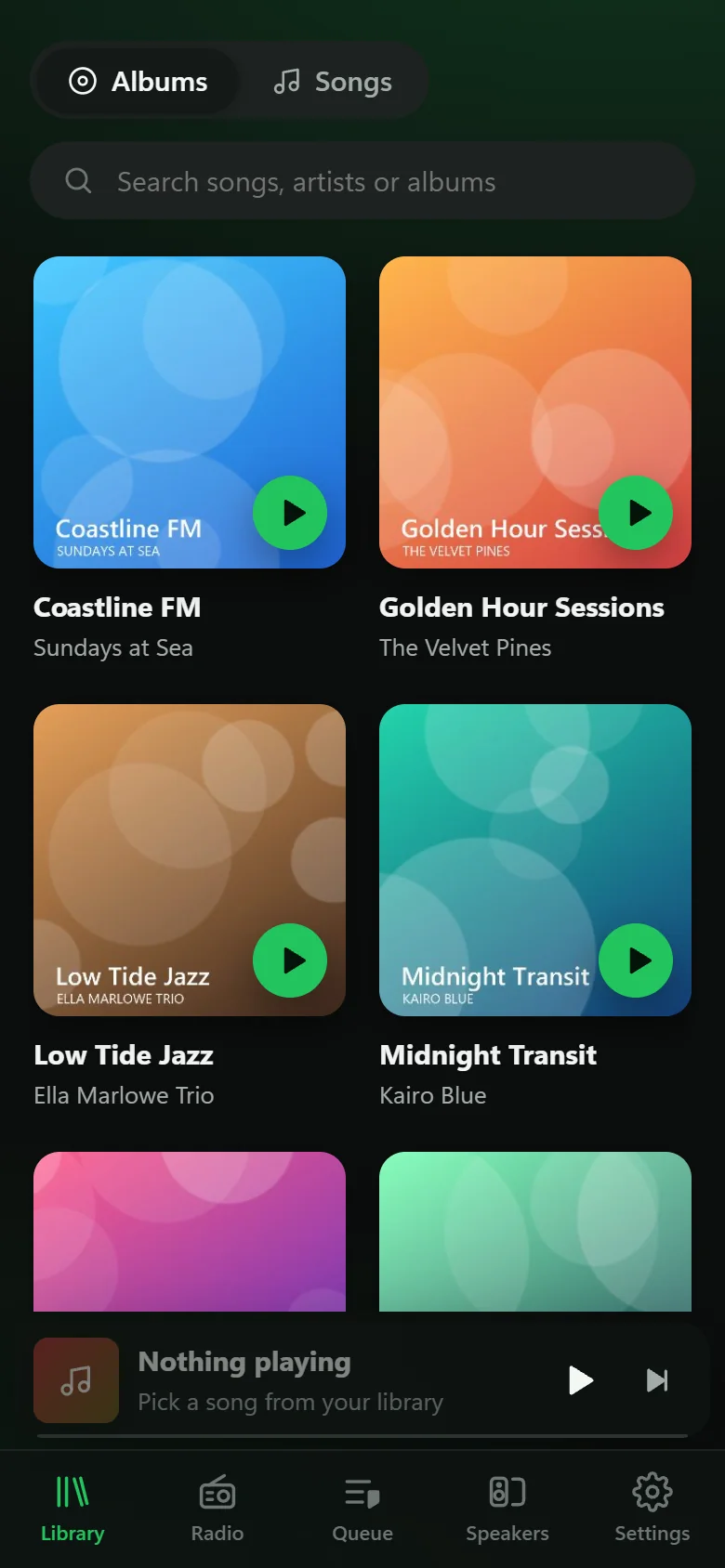
Your NAS plays your music library and internet radio on your AirPlay 2 speakers - around the clock, without a PC. You control it from any browser, on your phone it works like an app.
Free 14-day trial · same license as the Windows app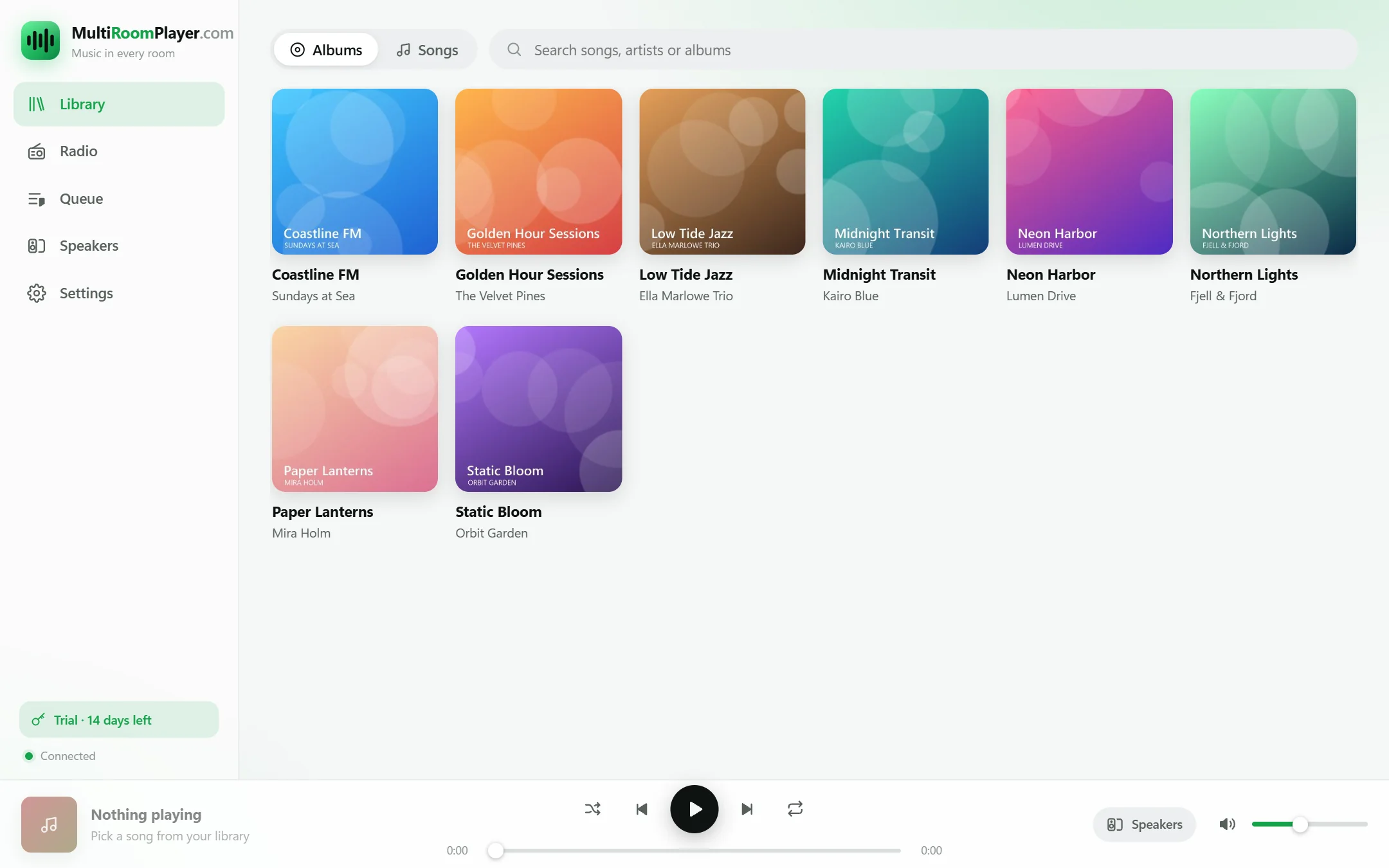
What you need
A Linux device with Docker
Synology (Container Manager), QNAP (Container Station), Unraid, a mini PC or a Raspberry Pi 4/5. Both x64 and ARM64 are supported.
Same network as the speakers
The container runs with the host network (network_mode: host) so it can find the speakers and keep them in time.
Your MP3 folder
Mounted read-only. Internet radio works even without a music folder.
Synology: step by step
DSM 7.2 or newer with the Container Manager package. Takes about five minutes.
- Install Container Manager from the Package Center.
- In File Station, create the folder
docker/multiroomplayer(and inside it a folderconfig). - Open Container Manager → Project → Create. Name:
multiroomplayer, path: the folder from step 2, source: Create docker-compose.yml. - Paste the following and replace
/volume1/musicwith the folder of your MP3 files:services: multiroomplayer: image: multiroomplayer/multiroomplayer:latest container_name: multiroomplayer restart: unless-stopped network_mode: host environment: - ASPNETCORE_URLS=http://0.0.0.0:8097 - TZ=Europe/Berlin volumes: - /volume1/music:/music:ro - ./config:/config - Click Next until Done. The image (x64 or ARM, chosen automatically) is downloaded and started.
- Open
http://<your-nas>:8097in the browser. Speakers are found automatically - tick the rooms that should play.
Any Linux with Docker Compose
QNAP, Unraid, mini PC, Raspberry Pi: save this as docker-compose.yml and adjust the music folder.
services:
  multiroomplayer:
    image: multiroomplayer/multiroomplayer:latest
    container_name: multiroomplayer
    restart: unless-stopped
    network_mode: host
    environment:
      - ASPNETCORE_URLS=http://0.0.0.0:8097
      - TZ=Europe/Berlin
    volumes:
      - /path/to/your/mp3:/music:ro
      - ./config:/config
Download docker-compose.yml (with comments)
docker compose up -d
Or in one line without a compose file:
docker run -d --name multiroomplayer --restart unless-stopped --network host \
  -e ASPNETCORE_URLS=http://0.0.0.0:8097 \
  -v /path/to/your/mp3:/music:ro -v $PWD/config:/config \
  multiroomplayer/multiroomplayer:latest
Updating
Pull the new image and restart the container - settings, queue, favorites and license stay in the config folder:
docker compose pull && docker compose up -d
On Synology: connect via SSH, change to the project folder (e.g. /volume1/docker/multiroomplayer) and run the command with sudo.
If something does not work
No speakers are found
Check that network_mode: host is set. Speaker search uses multicast and does not work through Docker's bridge network. You can also add a speaker by its IP address under Speakers. If your NAS firewall is on, allow incoming UDP from your local network.
Plays, but I hear nothing
The volume of each room is relative to the master volume: room 100 with master 25 plays at 25 %. Turn up the master volume at the bottom right or on the Speakers page.
Docker Desktop on Windows or Mac
Not supported: Docker Desktop does not pass the host network through, so the speakers cannot be reached. Use the Windows app or a Linux device instead.
Port 8097 is already in use
Change the port in ASPNETCORE_URLS, e.g. http://0.0.0.0:8099.
Which radio stations work?
The station directory is radio-browser.info, the same one Home Assistant uses. Stations with an MP3 stream are shown - that covers most stations.
Is the web interface protected?
Not yet: everyone on your home network can use it. Do not make port 8097 reachable from the internet.